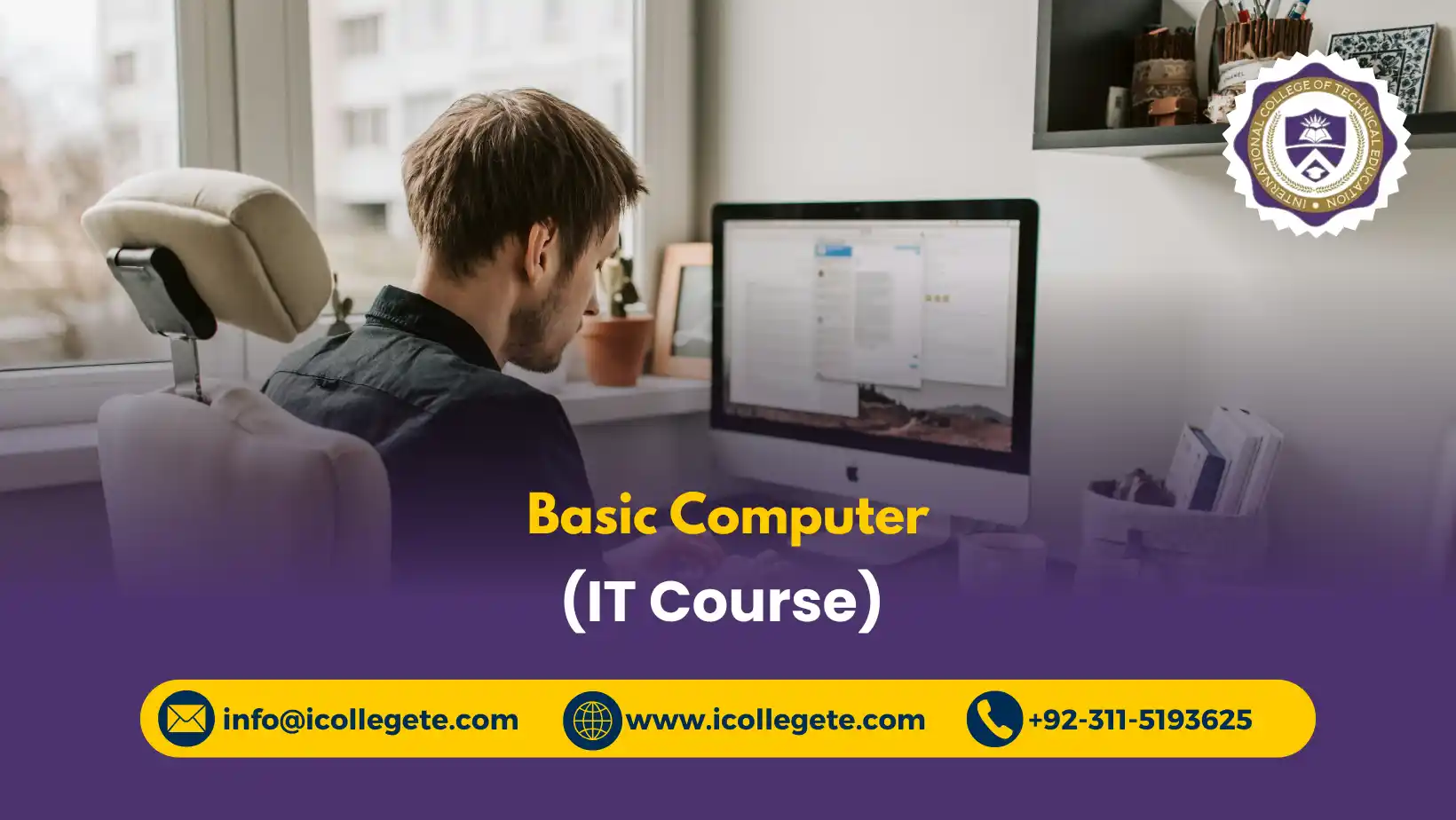
The Basic Computer (IT Course) in Swabi is a practical, beginner-friendly computer training program designed for students, job seekers, office workers, beginners, and anyone who wants to develop essential digital skills. As computers and digital technologies have become an important part of education, employment, business, and everyday communication, having strong basic computer knowledge is an essential skill for modern life.
This Basic Computer Course in Swabi provides step-by-step training in fundamental computer operations, Microsoft Office applications, internet usage, email communication, online research, and basic computer maintenance. Learners start with the fundamentals of computers and Information Technology before progressing to practical applications such as Microsoft Word, Microsoft Excel, and Microsoft PowerPoint.
The course focuses on hands-on learning so students can confidently create and format documents, enter and calculate data, prepare professional presentations, browse the internet, conduct online research, send and manage emails, and identify common computer problems. The training is suitable for learners with little or no previous computer experience.
By completing this course, students can build a strong foundation for further IT education, office-based employment, freelancing, and other digital career pathways. For individuals searching for a Basic Computer Course in Swabi, this program offers a practical starting point for developing workplace-ready computer and digital communication skills.
Course Study Units
Unit 1: Introduction to Computers and IT Basics
This unit introduces learners to computers and the fundamentals of Information Technology. Students learn about different types of computers, hardware and software, input and output devices, storage systems, operating systems, files and folders, and basic computer operations.
Key Topics:
- Introduction to computers and Information Technology
- Types of computers and their uses
- Computer hardware and software
- Input, output, and storage devices
- Keyboard and mouse operations
- Operating system fundamentals
- Desktop and window management
- Creating, saving, copying, moving, and deleting files
- Organising folders and digital files
- Basic computer security and safe usage
Unit 2: Microsoft Word – Document Creation and Formatting
This unit develops practical skills in Microsoft Word, enabling learners to create professional documents for education, employment, business, and personal use.
Key Topics:
- Introduction to Microsoft Word
- Creating and saving documents
- Typing and editing text
- Text selection and navigation
- Fonts, styles, and formatting
- Paragraph alignment and spacing
- Bullets and numbering
- Tables and basic document layouts
- Inserting images and shapes
- Headers and footers
- Page setup and printing
- Creating letters, applications, CVs, and reports
Unit 3: Microsoft Excel – Data Entry and Calculations
This unit introduces learners to Microsoft Excel and its practical applications for organising information, performing calculations, and creating simple data tables.
Key Topics:
- Introduction to Microsoft Excel
- Workbooks, worksheets, rows, and columns
- Data entry and editing
- Formatting cells and tables
- Basic mathematical calculations
- Simple Excel formulas
- Common functions such as SUM and AVERAGE
- Sorting and organising data
- Basic charts and graphs
- Managing simple budgets and records
- Printing Excel worksheets
Unit 4: Microsoft PowerPoint – Presentation Skills
This unit teaches learners how to create clear and professional presentations using Microsoft PowerPoint. Students learn how to structure information visually and present ideas effectively.
Key Topics:
- Introduction to PowerPoint
- Creating presentations and slides
- Selecting and applying slide layouts
- Adding and formatting text
- Inserting images and shapes
- Creating simple tables and charts
- Slide transitions
- Basic animations
- Presentation design principles
- Adding speaker notes
- Running a slide show
- Preparing professional presentations
Unit 5: Internet Browsing and Online Research
This unit develops essential internet skills for education, employment, business, and everyday digital activities. Learners understand how to navigate websites and find reliable information online.
Key Topics:
- Introduction to the internet
- Web browsers and search engines
- Searching for information effectively
- Using keywords for online research
- Evaluating online information
- Downloading and uploading files
- Using online forms
- Understanding websites and web addresses
- Safe internet browsing
- Recognising suspicious websites and links
- Basic online privacy and security
Unit 6: Email and Digital Communication
This unit teaches learners how to use email and common digital communication tools professionally and safely. Students learn how to create messages, attach files, organise emails, and communicate effectively online.
Key Topics:
- Introduction to email communication
- Creating and managing an email account
- Sending and receiving emails
- Email subject lines and professional messages
- Replying and forwarding emails
- Adding file attachments
- Downloading email attachments
- Managing inboxes and folders
- Understanding CC and BCC
- Identifying suspicious emails
- Digital communication etiquette
- Protecting email accounts
Unit 7: Basic Troubleshooting and Computer Maintenance
This unit introduces learners to common computer problems and basic maintenance practices. Students develop the confidence to identify simple issues and apply appropriate first-level solutions.
Key Topics:
- Understanding common computer problems
- Basic troubleshooting procedures
- Restarting and shutting down correctly
- Checking cables and connections
- Managing storage space
- Basic software maintenance
- Updating applications and operating systems
- Managing files and unnecessary data
- Basic antivirus and security practices
- Preventive computer maintenance
- Safe handling of computer equipment
- Knowing when professional technical support is required
Learning Outcomes
After completing the Basic Computer (IT Course) in Swabi, learners should be able to:
- Explain basic computer and Information Technology concepts.
- Identify common computer hardware, software, and peripheral devices.
- Operate a computer and manage files and folders confidently.
- Create, edit, format, save, and print documents using Microsoft Word.
- Enter, organise, format, and calculate basic data using Microsoft Excel.
- Use basic Excel formulas and functions for everyday calculations.
- Create structured presentations using Microsoft PowerPoint.
- Apply basic presentation design and formatting techniques.
- Browse the internet safely and search for relevant information.
- Conduct basic online research using effective search techniques.
- Create and manage email messages and attachments.
- Apply professional digital communication practices.
- Identify common computer problems and perform basic troubleshooting.
- Apply basic computer maintenance and cybersecurity practices.
- Use essential computer skills in education, employment, business, and everyday digital activities.
Course Benefits
Completing a Basic Computer Course in Swabi can provide learners with practical digital skills that are useful across many sectors.
Practical Computer Skills
Develop confidence in operating computers, managing files, and using everyday software.
Microsoft Office Skills
Gain practical knowledge of Word, Excel, and PowerPoint for workplace and educational tasks.
Improved Employability
Basic computer literacy can support applications for office, administration, retail, education, customer service, and other computer-based roles.
Better Workplace Productivity
Learn how to create documents, manage data, prepare presentations, communicate by email, and organise digital information efficiently.
Internet and Research Skills
Develop the ability to find, evaluate, and use online information effectively.
Digital Communication
Learn professional email practices and responsible online communication.
Foundation for Further IT Training
Build the basic knowledge needed before progressing to more advanced computer and technology courses.
Everyday Digital Confidence
Use computers more confidently for education, job applications, online services, communication, and personal tasks.
Who Is This Course For?
The Basic Computer (IT Course) in Swabi is suitable for:
- Students who want to develop computer literacy
- Beginners with little or no computer experience
- Job seekers preparing for computer-based employment
- School and college students
- Office and administrative staff
- Business owners and entrepreneurs
- Individuals returning to education or employment
- People who want to improve Microsoft Office skills
- Professionals who need stronger digital skills
- Anyone looking for a practical basic computer course in Swabi
No advanced IT background is required. The course is designed to introduce essential computer concepts progressively and practically.
Why Choose Basic Computer (IT Course) in Swabi?
Choosing a Basic Computer (IT Course) in Swabi can be an effective way to develop essential digital skills in a structured learning environment.
Beginner-Friendly Learning
The course starts with fundamental computer concepts and gradually introduces practical applications.
Practical, Skills-Based Training
Learners focus on activities they are likely to encounter in education, offices, businesses, and everyday digital environments.
Essential Microsoft Office Knowledge
Word, Excel, and PowerPoint skills are included because these applications are widely used for documents, data management, and presentations.
Career-Focused Foundation
The course helps learners establish the basic digital skills needed for many entry-level and administrative roles.
Complete Digital Skills Coverage
Instead of focusing only on computer operation, the course covers office applications, internet research, email communication, troubleshooting, and maintenance.
Strong Starting Point for IT Education
Learners can use the knowledge gained from this course as a foundation for more specialised IT and digital skills training.
Future Progression
The Basic Computer (IT Course) in Swabi can serve as the first step toward a broader education and career pathway in Information Technology and digital work.
After developing basic computer literacy, learners may progress toward:
Basic Computer Skills → CIT / DIT → Advanced Microsoft Office → Graphic Design → Web Design and Development → Digital Marketing → IT Support → Programming → Networking → Advanced IT Specialisations
Depending on their career interests, learners can continue with courses in:
- Certificate in Information Technology (CIT)
- Diploma in Information Technology (DIT)
- Advanced Microsoft Office
- Graphic Design
- Web Designing and Development
- Digital Marketing
- Computer Networking
- IT Support and Technical Support
- Programming and Software Development
- Database Management
- Freelancing and Digital Skills
For job seekers, the course can provide a foundation for developing the computer skills expected in many entry-level office and administrative positions. For students, it can provide a starting point before moving into more advanced IT education. For entrepreneurs and freelancers, the skills can support digital business activities and further specialised training.
Career and Skills Pathway
The course itself is primarily a foundational computer literacy programme, rather than an advanced professional IT qualification. Its main value is helping learners move confidently from basic computer use toward more specialised education and employment opportunities.
Basic Computer (IT Course) in Swabi → Digital Literacy → Microsoft Office Proficiency → Further IT Training → Specialised Digital Skills → Career Development
Take the Next Step Toward World Basic Computer (IT Course)-Enroll Now