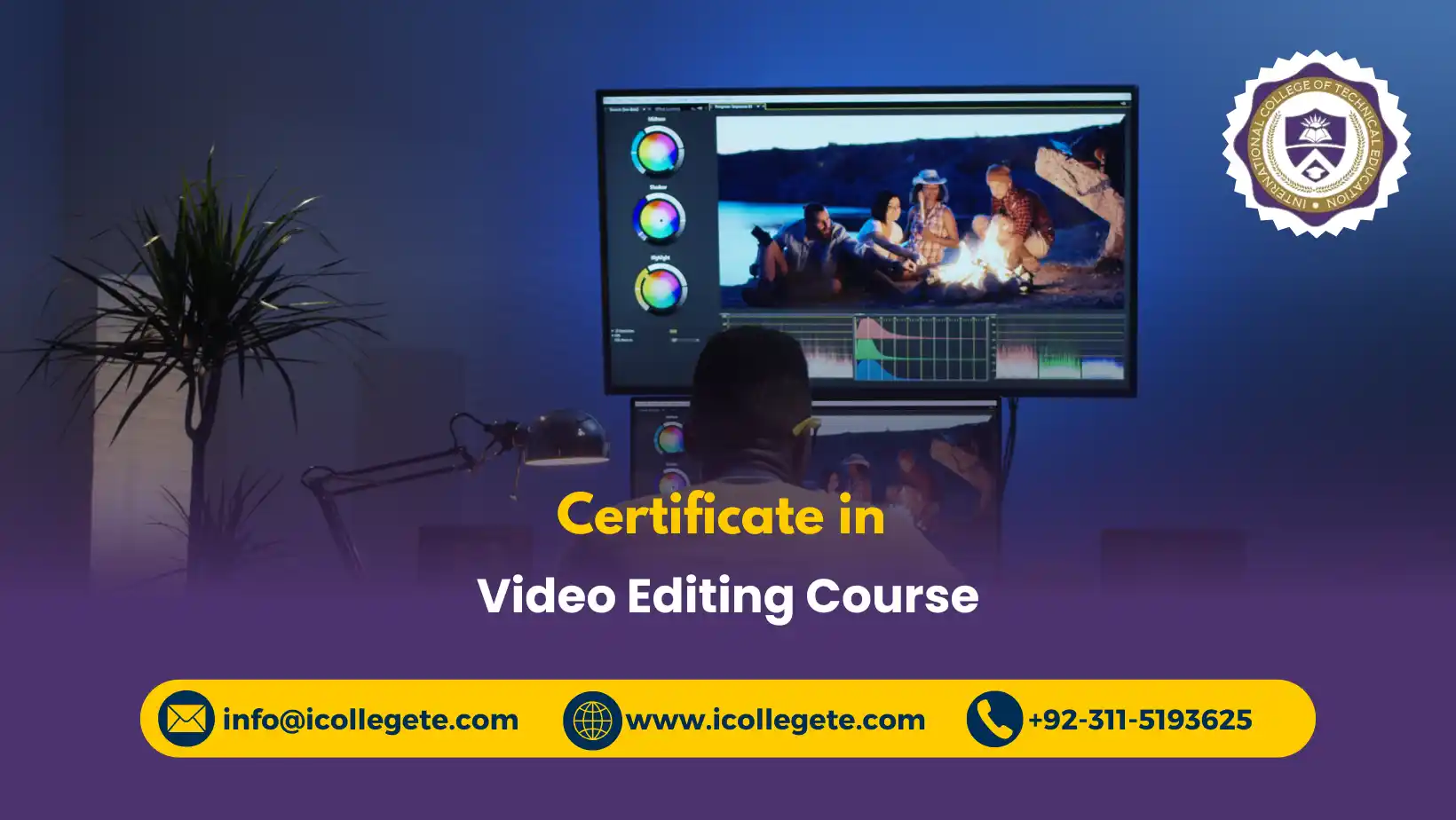
The Video Editing Course in Pakistan is designed to develop practical skills in video editing, digital media production and visual storytelling. The course introduces learners to the complete video editing workflow, from organising raw footage and creating sequences to editing audio, improving colour, adding visual effects and preparing professional videos for publication. It is suitable for learners who want to develop employable creative skills for digital marketing, social media, filmmaking, advertising, education, YouTube and freelance video production.
Throughout the course, learners gain practical knowledge of widely used video editing concepts and software, including professional editing workflows associated with platforms such as Adobe Premiere Pro and Final Cut Pro. The programme focuses on cutting and sequencing footage, synchronising audio, applying transitions, creating titles, correcting colour and using creative editing techniques to communicate ideas effectively.
The Video Editing Course in Pakistan also develops an understanding of storytelling, pacing, composition and audience engagement. Learners can apply these skills to short videos, promotional content, social media videos, interviews, educational materials, corporate presentations and other digital productions.
By completing the course, learners can build a portfolio of edited video projects and develop a foundation for progression into professional video editing, content creation, digital marketing, motion graphics and media production roles.
Course Overview
The Video Editing Course in Pakistan provides a structured introduction to modern video editing and media production. Learners develop practical skills through a combination of editing concepts, software techniques, creative methods and project-based activities.
The course covers the complete editing process, including footage preparation, cutting, sequencing, audio synchronisation, colour correction, effects, transitions, titles, storytelling, exporting and publishing. It provides a suitable foundation for learners seeking freelance, employment or entrepreneurial opportunities in the digital media sector.
Entry Requirements
- Age: Learners should generally be 16 years or above.
- Educational Background: No specific educational qualification is required for admission to the Video Editing Course in Pakistan.
- Previous Experience: No previous professional video editing experience is required.
- Language: A basic understanding of English is recommended because many professional video editing software interfaces, tutorials and technical resources use English terminology.
Course Study Units
Unit 1: Introduction to Video Editing and Media Production
Learners are introduced to the fundamentals of video editing and digital media production. This unit explores the role of video editing in filmmaking, marketing, social media, education, entertainment and corporate communication.
Key topics include:
- Fundamentals of video editing
- Video production workflows
- Types of video content
- Digital video formats
- Frame rates and resolutions
- Aspect ratios
- Video editing terminology
- Understanding raw footage
- File and media organisation
- Basic editing workflow
Unit 2: Basics of Video Editing Software
Learners develop practical knowledge of professional video editing software and editing interfaces. The unit introduces commonly used platforms such as Adobe Premiere Pro and Final Cut Pro while focusing on transferable editing principles.
Key topics include:
- Understanding editing software interfaces
- Creating and managing projects
- Importing media files
- Media bins and folder organisation
- Timelines and sequences
- Editing tools
- Keyboard shortcuts
- Basic workflow management
- Managing video and audio tracks
- Efficient project organisation
Unit 3: Video Cutting, Trimming, and Sequencing
This unit develops core editing skills required to transform raw footage into structured video content.
Learners explore:
- Selecting usable footage
- Cutting video clips
- Trimming clips
- Splitting and joining clips
- Arranging sequences
- Removing unwanted footage
- Using timeline tools
- Maintaining continuity
- Creating smooth edits
- Managing multiple video tracks
- Basic pacing and timing
Unit 4: Audio Editing and Synchronization
Learners develop an understanding of audio as an essential component of professional video production. The unit covers dialogue, music, sound effects and synchronisation.
Key topics include:
- Importing audio
- Editing dialogue
- Audio levels
- Noise reduction concepts
- Voice-over editing
- Background music
- Sound effects
- Audio synchronisation
- Audio transitions
- Balancing multiple audio tracks
- Basic audio mixing
Unit 5: Color Correction and Grading
This unit introduces learners to colour correction and creative colour grading techniques used to improve the visual quality and consistency of video projects.
Learners explore:
- Understanding colour in video
- Exposure correction
- White balance
- Contrast adjustment
- Colour consistency
- Skin tone considerations
- Colour correction
- Creative colour grading
- Using scopes
- Creating visual moods
- Maintaining consistency between shots
Unit 6: Adding Effects, Transitions, and Titles
Learners develop skills in applying visual elements that improve communication and presentation without distracting from the main content.
Topics include:
- Video transitions
- Audio transitions
- Visual effects
- Text overlays
- Titles
- Lower thirds
- Captions and subtitles
- Basic keyframing
- Motion effects
- Logo placement
- Professional effects selection
Unit 7: Storytelling and Creative Editing Techniques
This unit focuses on using editing as a storytelling tool. Learners explore how editing decisions can influence structure, emotion, attention and audience understanding.
Key topics include:
- Video storytelling principles
- Narrative structure
- Shot selection
- Pacing
- Rhythm
- Continuity editing
- Montage techniques
- Emotional storytelling
- Audience engagement
- Creative sequencing
- Editing for different platforms
- Short-form content techniques
Unit 8: Exporting and Publishing Video Projects
Learners learn how to prepare completed video projects for different platforms and audiences.
Topics include:
- Export settings
- Video codecs
- Resolution selection
- Frame-rate considerations
- File formats
- Compression
- Quality optimisation
- Social media export settings
- YouTube video preparation
- Mobile video formats
- File management
- Publishing and distribution
Learning Outcomes
By the end of the Video Editing Course in Pakistan, learners should be able to:
- Explain fundamental concepts of video editing and digital media production.
- Navigate and use common video editing software environments.
- Import, organise and manage video and audio media.
- Cut, trim and sequence video footage effectively.
- Synchronise dialogue, music and sound effects with video.
- Apply basic audio editing and mixing techniques.
- Perform basic colour correction and creative colour grading.
- Add appropriate transitions, effects, titles and text elements.
- Apply storytelling and creative editing techniques.
- Develop engaging video sequences for different audiences.
- Select suitable export settings for different platforms.
- Prepare and publish completed video projects.
- Organise video projects using professional workflow principles.
- Build a portfolio demonstrating practical video editing skills.
Course Benefits
The Video Editing Course in Pakistan can provide learners with several practical and career-focused benefits:
- Develop practical video editing skills.
- Learn professional editing workflows.
- Understand widely used editing software.
- Improve digital storytelling abilities.
- Develop audio and visual editing skills.
- Learn colour correction and grading fundamentals.
- Create professional social media videos.
- Develop content creation capabilities.
- Build a video editing portfolio.
- Support freelance work opportunities.
- Improve employability in digital media roles.
- Develop skills for YouTube and online content production.
- Support digital marketing and promotional activities.
- Develop a foundation for advanced media production.
Who is This Course For?
The Video Editing Course in Pakistan is suitable for:
- Beginners interested in video editing.
- Students developing digital media skills.
- Freelancers seeking video editing skills.
- Social media content creators.
- YouTube content creators.
- Digital marketing professionals.
- Graphic designers expanding into video.
- Photographers moving into video production.
- Small business owners creating promotional videos.
- Marketing and communications professionals.
- Aspiring video editors.
- Individuals interested in filmmaking and media production.
- Learners seeking practical digital skills for employment.
Why Choose This Video Editing Course?
This course provides a practical pathway for learners who want to understand the complete video editing process rather than focusing only on individual software features. It combines technical editing skills with creative storytelling, audio production, colour management and publishing.
The course is also relevant to the growing demand for digital video content across websites, social media platforms, online learning, advertising, entertainment and corporate communication. Learners can use the acquired skills to create a portfolio and demonstrate practical competence to potential employers or clients.
Another important advantage is the transferable nature of the skills. Although specific software interfaces may change, fundamental concepts such as sequencing, pacing, storytelling, audio synchronisation, colour correction and export management remain valuable across different editing platforms.
Future Progression
After completing the Video Editing Course in Pakistan, learners can progress towards more advanced areas of digital media and creative production.
Potential progression routes include:
- Advanced Video Editing
- Professional Film Editing
- Motion Graphics
- Animation
- Visual Effects
- Digital Marketing
- Social Media Content Production
- YouTube Content Production
- Documentary Production
- Corporate Video Production
- Commercial Video Production
- Multimedia Design
- Media Production
- Freelance Video Editing
Potential Career Opportunities
Depending on experience, portfolio quality and additional skills, learners may explore roles such as:
- Video Editor
- Junior Video Editor
- Freelance Video Editor
- Content Creator
- Social Media Video Editor
- YouTube Video Editor
- Digital Content Producer
- Multimedia Assistant
- Post-Production Assistant
- Video Production Assistant
- Digital Media Assistant
- Corporate Video Editor
Take the Next Step Toward World Video Editing Course- Enroll Now